This is a dialog window

Best CapCut Alternatives for Android in 2026 — Free, No Watermark

June 13, 2026
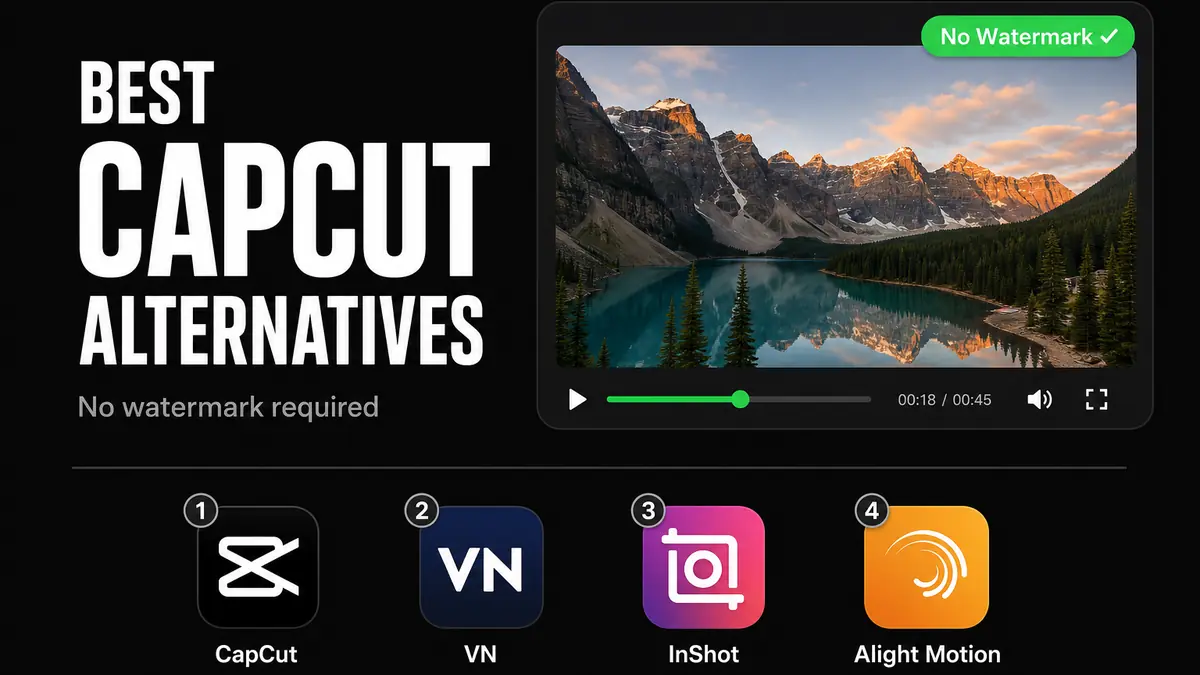
Best CapCut alternatives for Android in 2026 — CapCut Mod APK, VN, InShot, Alight Motion compared

The best CapCut replacement: VN Video Editor is completely free, exports with no watermark, and requires no subscription.

Download VN Video Editor — Free, No Watermark

Video Players category · Official app · No subscription required

CapCut adds a watermark to every free export ($7.99/month to remove it). For creators who want clean exports without a subscription — or who simply prefer a different app — there are solid alternatives. The answer for most people is VN Video Editor: completely free, no watermark ever, and a proper multi-track timeline that handles everything most creators actually need.

There are three specific situations where a different app makes more sense. This article covers all of them — but the default answer is VN.

Why CapCut Users Switch

The free tier is capable — templates, auto-captions, AI effects — but every export carries a visible "CapCut" watermark in the corner. Removing it costs $7.99/month or $49.99/year, which is hard to justify when the only thing the subscription removes is a logo on a few videos per week.

Some creators also prefer apps that are not tied to social media platforms — wanting to keep their editing workflow in tools they consider more neutral. And for those who have been using the CapCut Mod APK: CapCut releases updates regularly, and newer versions may not be compatible with existing mods, making it an ongoing maintenance issue rather than a set-and-forget fix.

VN Video Editor — The Answer for Most People

VN (Video Ninja) is a completely free, official app with no watermark and no subscription. That alone makes it the right starting point — you are not relying on a mod that might break next week, and you are not paying anything. But it also happens to be a genuinely capable editor: multi-track timeline, keyframe animation, speed curves, and LUT-based color grading. Most of what people actually do in CapCut — trimming clips, mixing audio, overlaying text, adjusting speed — VN handles just as well.

What makes VN better than CapCut's free tier

  • No watermark on any export — full resolution, clean output, no subscription ever required
  • Multi-track timeline — stack video layers, overlay footage, and mix multiple audio tracks independently; CapCut's free timeline is limited to a single main track
  • Keyframe animation — animate position, scale, opacity, and rotation on any clip over time, which CapCut only allows in its paid tier
  • Speed curves — smooth velocity ramps for cinematic slow-motion; available free in VN, paywalled in CapCut
  • Stable between updates — no mod to maintain, no risk of the app suddenly breaking after a background update

The one area where CapCut still wins

CapCut's trending template library and AI auto-caption tool are genuinely useful and have no equivalent in VN. If your workflow depends on generating polished videos from templates in seconds — the kind of one-tap content creation CapCut is known for — VN requires more manual work to reach the same result. VN is a timeline editor built for people who want to cut and craft their own footage. If you want to fill in someone else's template, CapCut does that better.

Install VN if

  • You edit your own footage and do not rely on CapCut's template library
  • You want a stable app that never breaks and never asks for a subscription
  • You prefer a standalone editing app not associated with a social media platform
  • You want multi-track editing or keyframe control without paying for it

The Three Situations Where You Would Use Something Else

VN covers the majority of video editing use cases. There are three specific scenarios where a different app is the better fit — none of them overlap, so pick the one that matches your situation.

You just want CapCut's watermark gone without switching apps → CapCut Mod APK

If CapCut's template library or AI captions are central to your workflow, the mod APK removes the watermark and unlocks all Pro features without a subscription. The caveat: CapCut releases updates regularly, and newer versions may not be compatible with existing mods until the mod is updated to match. When that happens, check MODDROID's CapCut page for the updated version — it typically lands within days.

You only make short vertical clips for social media → InShot

InShot is built for a single workflow: trim clip, add music, export for Reels or Shorts. Its interface is simpler and faster than VN for this specific task — one-tap aspect ratio switching (9:16, 1:1, 16:9), a built-in licensed music library, and sticker packs designed for social platforms. It does not do multi-track editing or keyframe animation — but if you never need those, that simplicity is a feature. The Mod APK removes InShot's watermark and unlocks the full sticker library. Download InShot on MODDROID.

You need motion graphics, kinetic text, or effects CapCut cannot produce → Alight Motion

Alight Motion is not a video editor — it is a motion graphics tool. It handles animated vector shapes, per-layer blend modes (Screen, Multiply, Overlay), expression-based animation, and community QC packs that apply full effect sequences in one import. If you have seen the glowing, physics-driven text edits common on YouTube Shorts and TikTok, that is Alight Motion. Like CapCut, it uses strict anti-mod measures, so the Mod APK requires periodic updates — check MODDROID's Alight Motion page for the current working version.

Install VN. Add the Others Only If You Hit a Specific Wall.

VN Video Editor is the right first install. It is free, exports clean video with no watermark, requires no mod, and handles everything most creators do day-to-day. Start there.

Add InShot only if your entire workflow is social-media short clips and VN feels like too much app for that. Add Alight Motion only if you specifically need motion graphics or effects that VN cannot produce. Add the CapCut Mod APK only if CapCut's template system is something you genuinely cannot replace — and be prepared to update the mod occasionally when CapCut pushes a new version.

FAQ: CapCut Alternatives for Android

What is the best free CapCut alternative with no watermark on Android?

VN Video Editor — completely free, no watermark, no subscription. It covers multi-track editing, keyframe animation, and speed curves, which makes it a capable replacement for most CapCut workflows without relying on a mod APK.

Is CapCut safe to use on Android?

Yes, CapCut is safe to install and use on Android. Some users prefer to use alternative apps that are not linked to social media platforms — VN Video Editor and InShot are popular choices for creators who want a standalone editing tool.

Why does the CapCut Mod APK stop working after an update?

CapCut releases updates regularly, and newer versions may not be compatible with existing mod APKs until the mod is updated to match. MODDROID's CapCut page keeps the mod current — typically updated within days of a new CapCut release.

Related on MODDROID

Ready to switch? Download VN Video Editor — free, clean exports, no subscription ever.

Get VN Video Editor on MODDROID

🔥 Daha fazla Mod APK mı arıyorsunuz? 2026'nin en çok indirilen içeriklerine göz atın. Popülerleri gör →
56.5K Shares
twitter facebook tumblr reddit quora medium