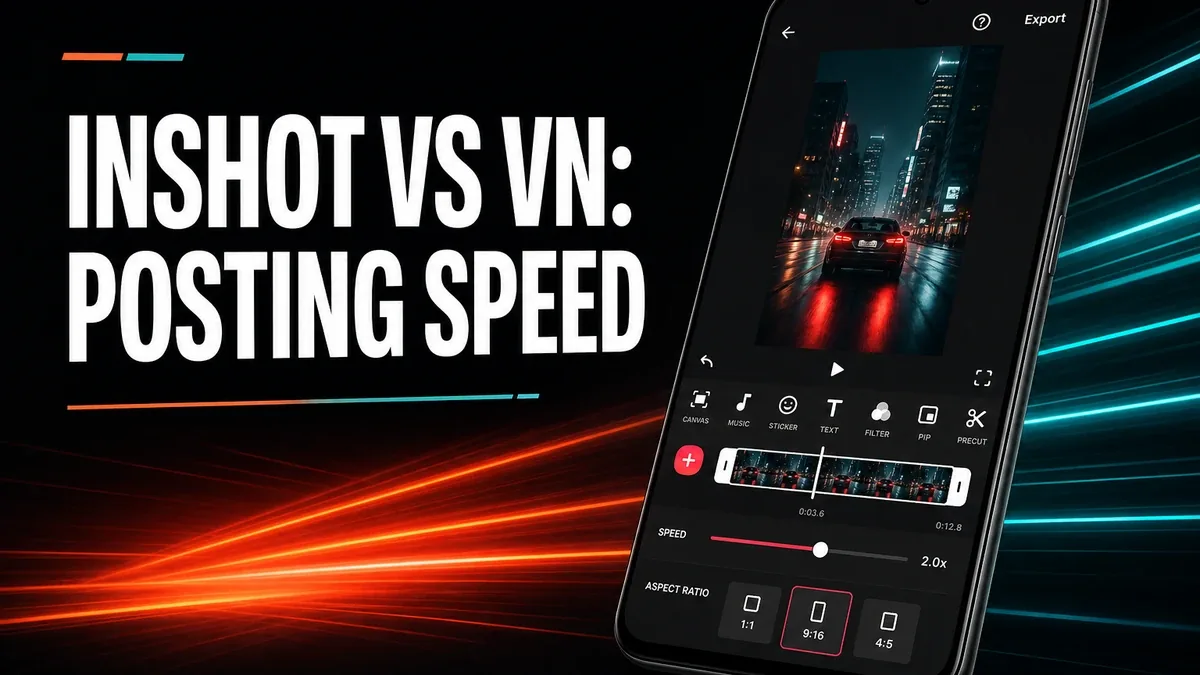
Some Android video editors help you build a timeline. Others help you finish a post. Those are not the same job, even when both apps can trim, add music, and export without a watermark.
Download InShot MOD APK - Premium Unlocked, No Ads
InShot · VN Video Editor · Social Video Editing · Android 2026 · Comparison
The Real Split Is Posting Toolkit vs Timeline Control
Most video-editor comparisons start with feature lists: transitions, filters, keyframes, export resolution. That misses the decision people actually make on a phone. One group wants a clip ready for Stories, Reels, TikTok, or WhatsApp status in one pass — ratio, text, music, canvas, export. Another group wants cleaner multi-clip control and a workflow that still feels like editing, not packaging.
The core thesis of this article is simple: InShot is better when your job is social-ready packaging in one mobile pass, while VN is better when your edits need stronger timeline depth and pacing control. The right app is not the one with more unlocked assets. It is the one that matches whether you are finishing a post or building an edit.
Why Posting-First Editing Is a Different Problem
Social video work often fails for a boring reason: the clip is almost done, but the last mile still needs a ratio change, a caption, background fill, music ducking, or a clean export for a specific platform. That is packaging work. It is not the same as learning a denser timeline so multi-clip timing feels trustworthy.
InShot is built around that packaging loop. Canvas and ratio tools, text, stickers, music, and export presets stay close to the posting path. That makes it stronger when the content already exists and the remaining job is to make it publishable fast.
VN becomes stronger when the clip itself still needs structure: more precise cuts, layered timing, and a timeline rhythm that does not feel disposable. If your friction is "this edit needs better control," packaging tools are the wrong upgrade.
What InShot Actually Does Better
InShot MOD APK makes more sense when the decision starts with the destination platform. You already know the clip needs 9:16 or 1:1, on-screen text, music, and a finished export that does not look unfinished next to other social posts.
What you gain: a posting-first toolkit in one place, faster social packaging, and less need to bounce between a trimmer and a design app just to finish one short clip.
What you lose: some of the timeline seriousness that VN offers once projects become multi-clip and pacing-heavy. InShot is weaker when the real bottleneck is editing confidence, not publish readiness.
InShot is strongest when the content is short, social-first, and already mostly shot. It is weaker when you are growing into deliberate timeline editing and want the app to feel like a mobile editor first.
When VN or YouCut Is Still the Better Fit
Choose VN Video Editor when your edits outgrow packaging and you need cleaner timeline control. That comparison lives in more detail in VN vs YouCut and the wider VN vs CapCut vs YouCut guide.
Choose YouCut when the project is even simpler than InShot's social toolkit — mainly trim, music, text, and export with less ambition. InShot sits between those poles: more packaging depth than a barebones trimmer, less timeline-first seriousness than VN.
CapCut remains better when templates and trend effects are the whole point. InShot is not winning that category. It wins when you already know what the post should say and mainly need a complete mobile packaging path.
Best For, Not Ideal For
InShot is best for: creators and casual users who regularly finish short social videos on Android and need ratio, text, music, and export in one pass.
VN is better when: multi-clip pacing, timeline confidence, and a more deliberate editing rhythm matter more than social packaging speed.
Not ideal for InShot: users whose main frustration is learning serious timeline control, or users who only need the lightest possible trim-and-export loop.
Biggest cost: packaging density. InShot can keep offering finishing options that help a post look ready, which is useful for publishing — and distracting if you actually needed a quieter timeline editor.
Before You Choose InShot
Before choosing InShot, ask whether your bottleneck is publish packaging or edit structure. If the clip is already usable and the remaining work is ratio, caption, music, and clean export, InShot is the clearer fit. If the clip still needs timing discipline across multiple pieces, start with VN.
For install friction, keep the APK parsing error fix and the MOD APK safety guide nearby before sideloading.
Our Honest Recommendation
Choose InShot when social posting speed and packaging completeness are the real daily problem. Choose VN when timeline depth and editing confidence matter more than finishing a post quickly.
In short: InShot is better for posting-first social video. VN is better for timeline-first mobile editing.
How to Download InShot MOD APK
Since the modded version is not available on the Google Play Store, you need to install it manually. Follow these steps:
- Enable Unknown Sources: Open Android settings, go to "Security" or "Apps," and enable "Install from Unknown Sources."
- Download the APK: Use the app page link to get the latest InShot MOD APK version.
- Remove Conflicting Versions: Uninstall the official InShot build first if installation fails due to signature conflict.
- Install the APK: Tap the downloaded file and complete installation.
- Test a Real Posting Pass: Import one short clip, set the platform ratio, add text and music, then export and judge whether the packaging loop felt complete.
A social video editor is only the right choice if the last mile of posting feels faster — not if you mainly needed a deeper timeline.
FAQ
Is InShot better than VN?
Not universally. InShot is better when social packaging speed matters more. VN is better when multi-clip timeline control is the real need.
Who should use InShot?
Users who regularly finish short videos for Stories, Reels, TikTok, or status posts and want ratio, text, music, and export in one Android workflow.
When is InShot the wrong choice?
When your edits need stronger timeline depth, or when the project is so simple that even packaging tools feel like more than you need.
What is the biggest trade-off with InShot?
You gain a complete posting toolkit, but you may give up some of the quieter timeline seriousness that VN provides for more deliberate edits.
If your Android video work ends at publishing, not at building a deeper timeline, InShot is one of the clearer social packaging options.