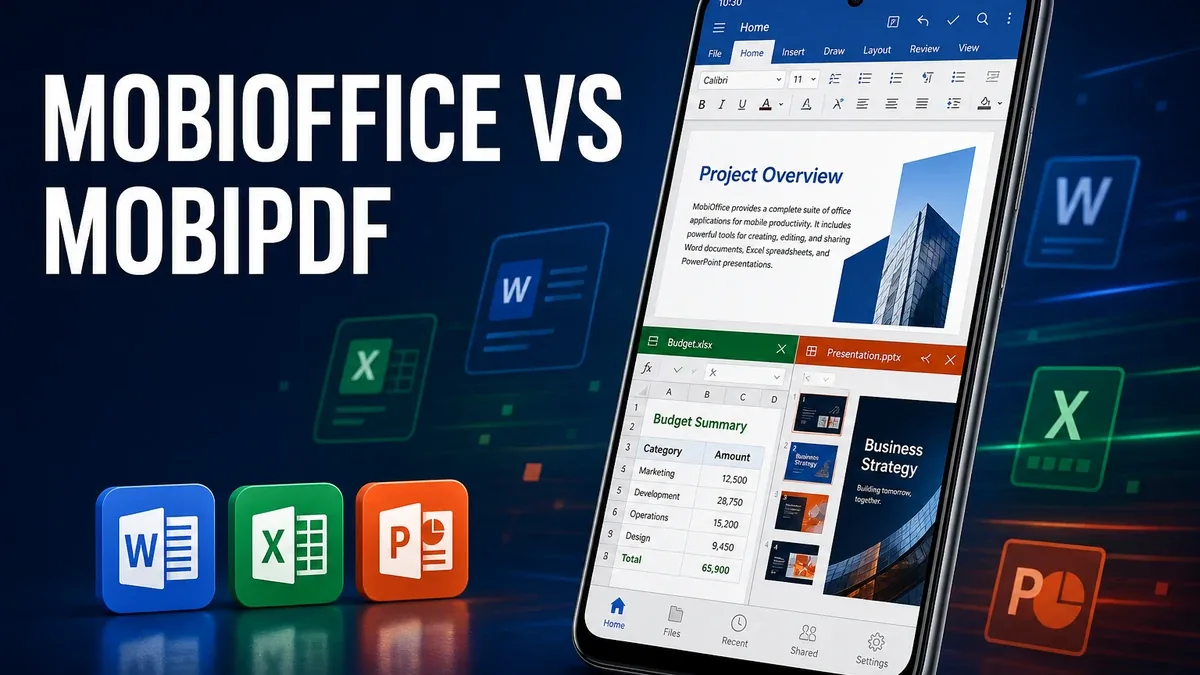
PDF tools finish documents that already exist as PDFs. Office suites finish the work that still lives in Word, Excel, and PowerPoint files. On Android, those are easy to confuse and expensive to mix up.
Download MobiOffice MOD APK - Premium Unlocked
MobiOffice · MobiPDF · Office Suite · Document Editing · Android 2026
The Real Split Is Full Office Work vs PDF Operations
Mobile productivity comparisons often collapse into one vague need: "edit documents on my phone." That hides a practical fork. Some users need to create and revise DOCX, XLSX, and PPTX files with real formatting. Others already have a PDF and mainly need fill, sign, annotate, merge, or convert.
The core thesis of this article is simple: MobiOffice is better when your Android bottleneck is working inside Office-format documents and presentations, while MobiPDF remains better when the unfinished job is already inside PDFs. The right app is not the one that claims the broadest productivity headline. It is the one that matches the file type your work actually arrives in.
Why Office Suites and PDF Editors Should Not Be Judged the Same Way
A spreadsheet still needs formulas and sheet logic. A slide deck still needs layout control. A Word draft still needs formatting that survives collaboration. Those are office-suite problems. Pushing them through a PDF-first tool often means converting too early and losing the editable layer you still needed.
The reverse is also true. If the file is already a contract PDF that needs a signature or form fill, opening a full office suite can feel like launching a workshop for a one-tool job. Capture and PDF operations deserve their own lane, as covered in MobiPDF vs scanner apps.
So the honest comparison is not "which MobiSystems app is bigger." It is which document stage you are stuck in.
What MobiOffice Actually Does Better
MobiOffice MOD APK makes more sense when the work still lives in Office formats. Creating and editing documents, sheets, and presentations on Android, with PDF conversion as a later step rather than the only step, is the clearer fit.
What you gain: a fuller mobile office workflow, stronger handling of Word/Excel/PowerPoint-style files, and fewer forced laptop round-trips for editable documents.
What you lose: some lightness. A complete suite can feel heavier than a PDF-focused tool when the file is already finalized as a PDF.
MobiOffice is strongest when editable office files are the center of the job. It is weaker when users only needed PDF signing and page operations.
Best For, Not Ideal For
MobiOffice is best for: users who regularly create or revise Word, Excel, and PowerPoint files on Android and need a suite rather than a PDF-only path.
MobiPDF is better when: the document is already a PDF and the unfinished work is fill, sign, annotate, organize, or convert. Start with the MobiPDF app page for that lane.
Not ideal for MobiOffice: users who only scan paper to PDF occasionally, or whose whole workflow ends at signature and share.
Biggest cost: suite weight. Full office coverage is powerful, but it is overbuilt if PDF operations were the only missing piece.
Before You Choose MobiOffice
Before choosing MobiOffice, ask what file type is stuck on your phone. If the work is still a DOCX, XLSX, or PPTX, the suite is the better match. If the file is already a PDF that needs document actions, stay PDF-first.
For install friction, keep the APK parsing error fix and the MOD APK safety guide nearby.
Our Honest Recommendation
Choose MobiOffice when editable Office documents are the real Android bottleneck. Choose MobiPDF when the unfinished work is already inside PDF files.
In short: MobiOffice is better for office-format work. MobiPDF is better for PDF operations.
How to Download MobiOffice MOD APK
Since the modded version is not available on the Google Play Store, you need to install it manually. Follow these steps:
- Enable Unknown Sources: Open Android settings, go to "Security" or "Apps," and enable "Install from Unknown Sources."
- Download the APK: Use the app page link to get the latest MobiOffice MOD APK version.
- Remove Conflicting Versions: Uninstall the official MobiOffice build first if installation fails due to signature conflict.
- Install the APK: Tap the downloaded file and complete installation.
- Judge It by File Type: Open one real Word or Excel file you would otherwise send to a laptop, and ask whether the suite finished the editable work on Android.
An office suite is only the right upgrade if the work still needs editable Office formats. If the file is already a finished PDF, start with PDF tools instead.
FAQ
Is MobiOffice better than MobiPDF?
For Word, Excel, and PowerPoint work, yes. For fill, sign, and PDF-page operations, MobiPDF is usually the clearer tool.
Who should use MobiOffice?
Users who regularly create or revise Office-format documents and presentations on Android.
When is MobiOffice the wrong choice?
When your whole workflow is already PDF-based and you mainly need signing, filling, or page organization.
What is the biggest trade-off with MobiOffice?
You gain a fuller office suite, but that density can feel like overkill if PDF operations were the only missing piece.
If the stuck file is still a Word, Excel, or PowerPoint document, MobiOffice is one of the clearer Android suite options.